Can I Update Mobile App Design Even After it’s Launched?
Yes, you can change your mobile app design even after it’s launched.
Whether you want to modify your app’s design layout, introduce new features to your mobile app, or give it a complete makeover, you can do it easily using MageNative Mobile App Builder.
Below is the Step-by-Step Guide:
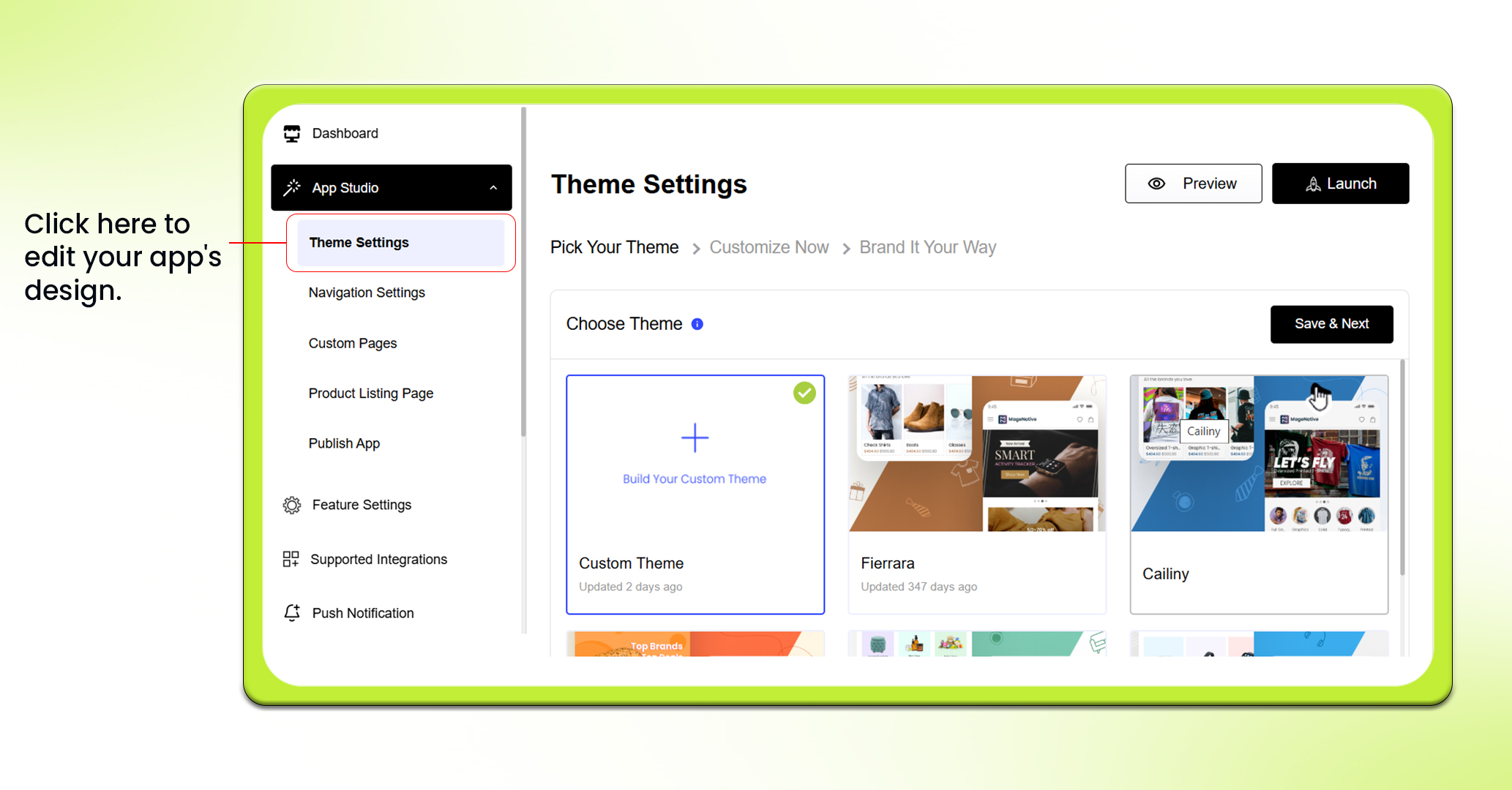
Log into your MageNative admin panel and click on App Studio in the left panel.
- Click “Theme Settings” to edit the design of your app. Here, you will have access to the existing design of your mobile app and access the different customizable components.

- In terms of changes to design, you can either add new components to your app or customize already existing components.
What are Different Design Components available in MageNative? Read Here
- If you want to edit any existing component, you need to click on the edit icon on that specific component at the right side of the screen. This will open a dashboard at the center where you can customize as per your need.
- In case of adding new components, simply drag and drop that component at the desired location on the mobile app’s screen. Further you can customize that component by using the edit option.
How to Design your Mobile App using MageNative? : Read Here
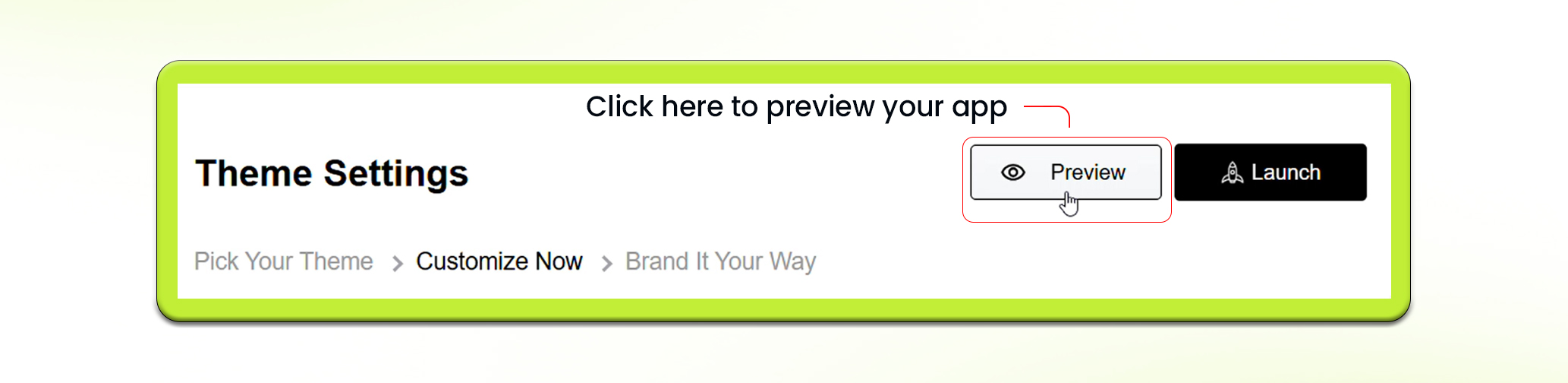
- Once all the changes are done, click on the “Preview” button at the top right corner of the dashboard. This will preview your changes before making it live to users.

- Once you have previewed and tested your changes, and everything looks just right, it is time to make it live.
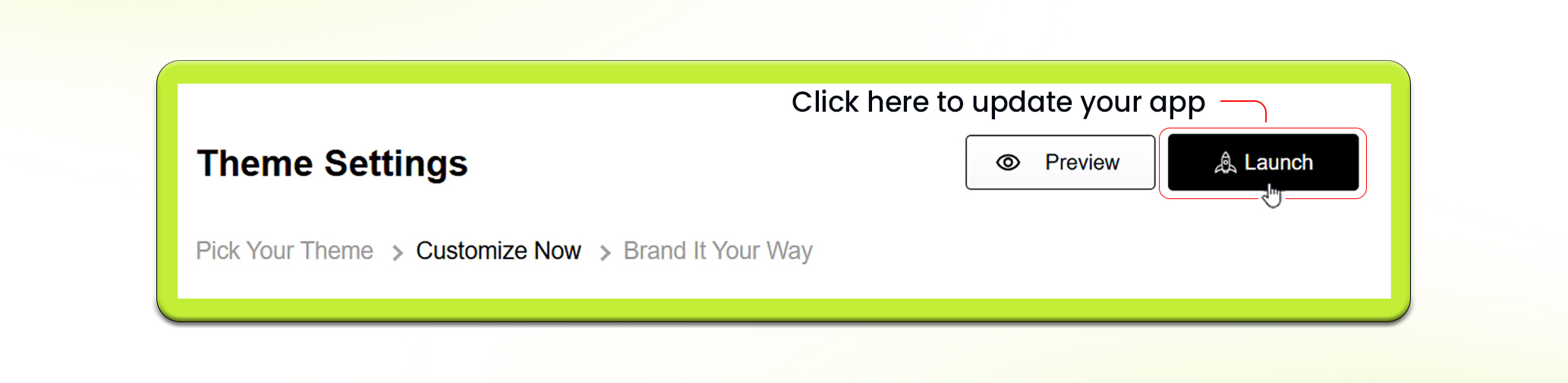
- Go back to the dashboard and click the “Publish” button to make the new design available to users.
Feel free to reach out to our support team if you have questions or need support. We are here to help and address any issues you may have!


